Use Merlin Bird ID to identify a bird or keep a personal Life List. Use eBird to record a birding outing and contribute observations to community science. Use both when Merlin suggests a bird, you confirm it yourself, and you then log it on an eBird checklist. For the sighting to reach public eBird data, submit the checklist and check its status.
Which app should you use for your birdwatching goal?
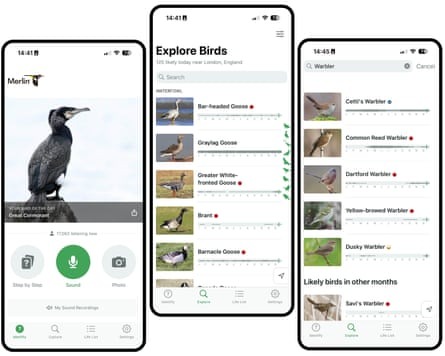
Merlin helps you recognize birds and remember personal sightings. eBird records observations in a structured way: where, when and how you were birding.
| What you want to do | Use | What you get |
|---|---|---|
| Identify a bird by its sound or appearance | Merlin Bird ID | Species suggestions to check against what you saw or heard |
| Save a new bird on your personal Life List | Merlin Bird ID | A sighting saved with a date and location |
| Record birds seen or heard during an outing | eBird | A checklist with species, counts, location and observation details |
| Identify a bird and contribute the sighting to eBird | Both | Merlin helps you ID the bird, then you log it on an eBird checklist |
| Find birding hotspots or explore reported sightings | eBird | Locations and sightings reported by birders |
On a neighborhood walk, Merlin can narrow down a song you can’t place. During a wetland count, eBird records the birds you identified, their numbers and the conditions of the outing.
What Merlin does differently from eBird
Merlin offers Sound ID, Photo ID and Step-by-Step ID, plus a Life List for personal sightings. eBird groups field observations into dated, located checklists. The two Cornell Lab services are connected: species submitted to eBird can appear in Merlin’s Life List, and some eBird media tools use Merlin Photo ID.
Do you need both apps if you only collect lifers?
You can collect lifers with Merlin without keeping an eBird checklist for every walk. A lifer is a species you’re recording as your first personal encounter with it.
Once you’re sure of the species, Merlin lets you save a Life List observation with its date and location. That private record can appear in your signed-in Cornell account.
A new birder on r/birding:
Just got into birding im a super casual, don’t even have binoculars just a phone. I have been addicted to adding lifers to my list on merlin id. I wanted to know how to delete a lifer incase i get the bird wrong. I saw it is tied to Ebird and you must go into the app or website and manually remove the checklist. Which took me a while to figure out how to do haha. Does anyone just casually use merlin id to log lifers and not bother with listing dates and locations and plumages and whether it was historical, or if you were stationary/traveling? I’m sure one day if i continue birding i’ll get into listing, but for know i want to avoid using the complicated ebird and just focus on the joy of being in nature and finding cool birds.
Do Merlin sightings count in eBird and on Top 100 lists?
Birds saved only to Merlin’s personal Life List don’t count toward public eBird products and rankings. Cornell’s guidance on saving birds identified with Merlin lists what Merlin-only observations are excluded from: public species maps, Explore pages, recent visits, Alerts, Top 100 rankings and eBird Status and Trends products.
| Record state | What has happened | Personal record | Public eBird consequence |
|---|---|---|---|
| Merlin ID suggestion | The app suggested a possible species | Nothing is saved by the suggestion alone | No submitted observation |
| Merlin Life List save | You saved a personal species observation | The bird appears in your personal Life List | Stays out of the public products listed above |
| Submitted field checklist in eBird | You reported a bird during an outing with a date, location and protocol | The species can contribute to your Merlin Life List | Counts in eBird data, under its data-quality and visibility rules |
A birder on r/eBird wondered why they weren’t on their county’s Top 100:
I previously had the ‘how to save your birds’ option in Merlin set to NOT use eBird. Is this why I’m not showing up in the top 100 for my county even though I should be at least top 80 based on my count in the area for the year? If this is the reason why I’m not showing up, what’s the easiest way to remedy this? Make a new checklist for my observations each day this year that I ID’ed a new bird for the year? Or can I get eBird to retroactively count my observations in Merlin somehow. I was worried when I first started about ‘wrongly’ recording birds. But after getting into it for a bit now, I’ve become much more confident in what I’m recording and I’m not just recording birds Willy nilly if I’m not 99% sure.
For older sightings, separate regular field reporting from historical list-building. A public checklist needs accurate observation details and the right protocol. Cornell also provides a special pre-eBird Life List procedure for personal historical records that lack precise dates or locations. Those records don’t enter public eBird outputs or scientific datasets. At least the country where the bird was seen must be known.
Never invent a past outing’s counts, duration or location to make a historical record look like a complete field checklist.
Is Merlin Sound ID good enough to report a bird in eBird?
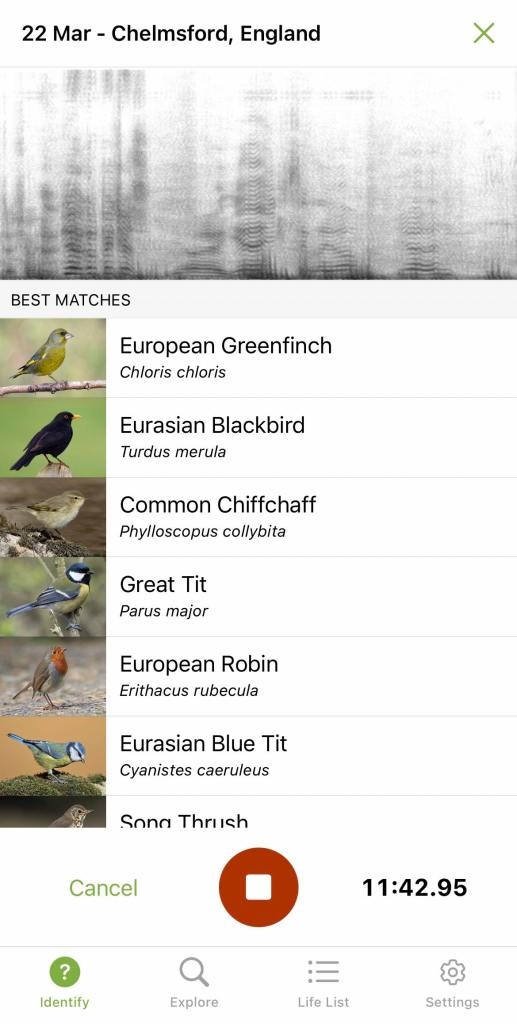
A Merlin Sound ID suggestion is an identification lead. Log the species in eBird once you’re confident of it from the sound and its context.
You don’t need a photo of every bird. eBird accepts observations identified confidently by ear, including birds hidden in vegetation or too far away to see clearly.
Cornell’s Merlin Sound ID best practices give you a way to check suggestions before you report them.
How to assess a Sound ID suggestion
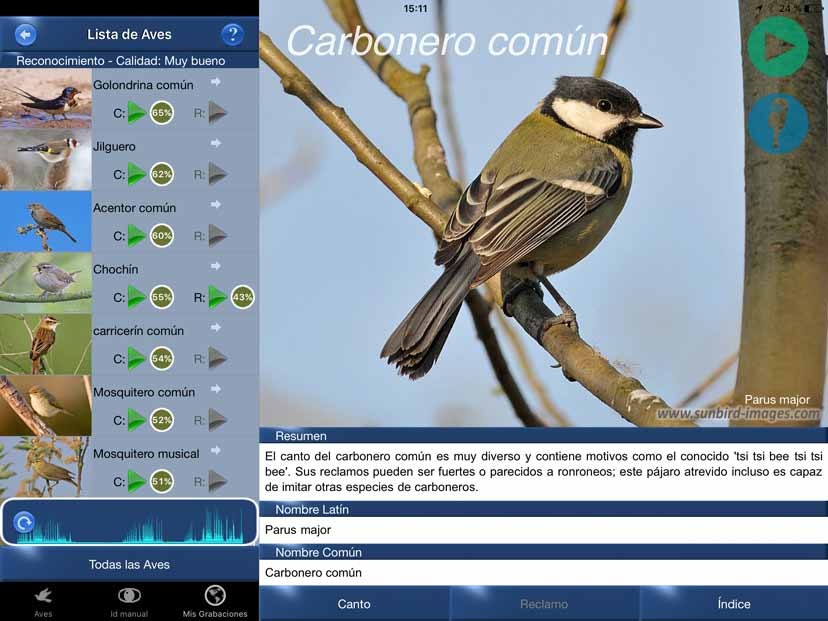
- Compare the sound. Listen to Merlin’s reference recordings and compare them with what you heard. A spectrogram gives you another point of comparison.
- Confirm the location. Check that the species is plausible there. If Merlin labels the recording
Location Unknown, set the correct recording location before reporting the bird in eBird. Editing that location requires internet access. - Account for the season. A bird’s expected presence changes through the year.
- Use the habitat and behavior. The setting and what the bird was doing can support or weaken a suggested identification.
- Look for visual confirmation when you can. Shape, movement, plumage and other field marks can settle what the recording leaves open.
- Document an unusual observation. Keep descriptive notes and the original audio.
If you’re not sure, leave the bird off your checklist. For a closer look at song ID, see how to identify birds by song without guessing.
When a bird is heard but cannot be photographed
A birder on r/birding ran into this at a private pond:
I love birding but I’m an amateur who does it for fun. A few birders asked me to use ebird. But I’ve run into a problem. Because I’m a beginner I use Merlin a lot to ID birds. My camera is ‘ok’. It’s fine if I’m close enough but my binoculars are better. The problem occurs when I see a rare bird but have no photos to show for it. I feel kinda bad sometimes when my sightings get reported. I got excited to see a Wilson’s snipe at a pond. But The report said I should not have used Merlin ID for it. But the pond is private property. I couldn’t get close enough for a photo. So I just used binoculars and Merlin caught a barely discernible noise. That was really the best I could do.
eBird applies data-quality filters, and reviewers check some observations, including unusual species and high counts. A request for more details is part of that process.
Details are in Cornell’s eBird Data Quality guidance.
How to use Merlin and eBird together on one birding trip
On a wetland walk, Merlin suggests the species calling from dense vegetation, and eBird holds everything you record during the outing.
Record one outing at a time
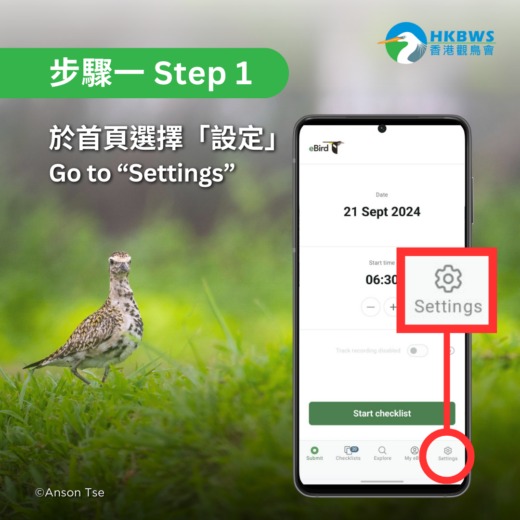
- Start the field checklist. Open eBird Mobile for the outing with the correct date, mapped location and observation protocol. Its route tracking can record your movement.
- Enter the birds you observed. Record species identified by sight or sound, with counts and notes. Add the Merlin-assisted bird once you’re sure of the ID.
- Set completeness. A complete checklist means you tried to report every bird species you could identify during that session. If you recorded only selected birds, mark the checklist incomplete.
- Review and submit. Confirm the details, location, completeness and species counts, then submit the checklist through eBird.
A checklist covers a single calendar date, a single mapped location and one observation protocol. Separate dates or locations need separate checklists.
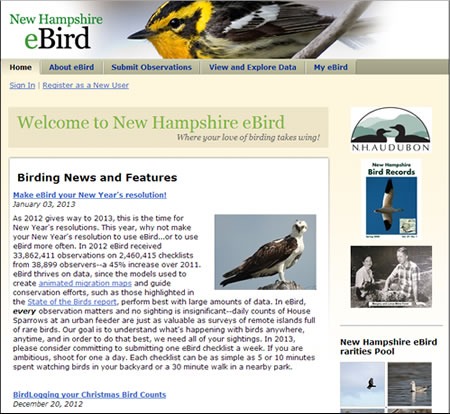
The eBird Mobile sighting instructions cover recording and submission step by step. For protocol selection and counting, see the guide to recording bird sightings in an eBird checklist.
Attach a Merlin Sound ID recording to eBird
Cornell recommends including the original recording when you report a bird identified with Merlin Sound ID, especially an unusual species. In supported eBird Mobile versions, open the saved recording in Merlin, choose Share, select eBird and attach the audio to the correct species on a checklist.
The computer route also works. Export the saved recording to a computer, open the submitted checklist on eBird.org, find the species and use Add Media to upload the file. Audio submitted through eBird can enter the Macaulay Library archive.
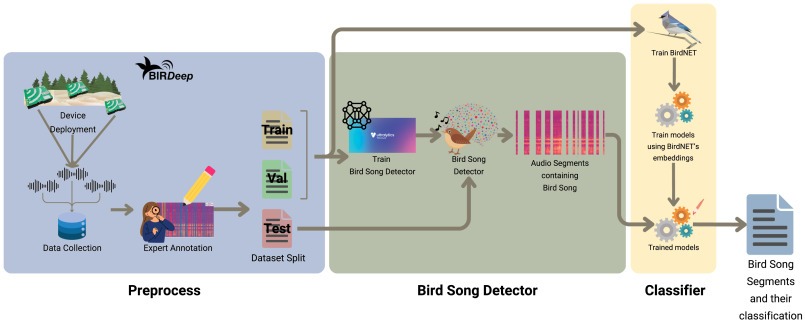
Attach audio from that bird and outing. Reference recordings used for comparison are not field evidence from your visit.
What works offline, and will Merlin save your recording?
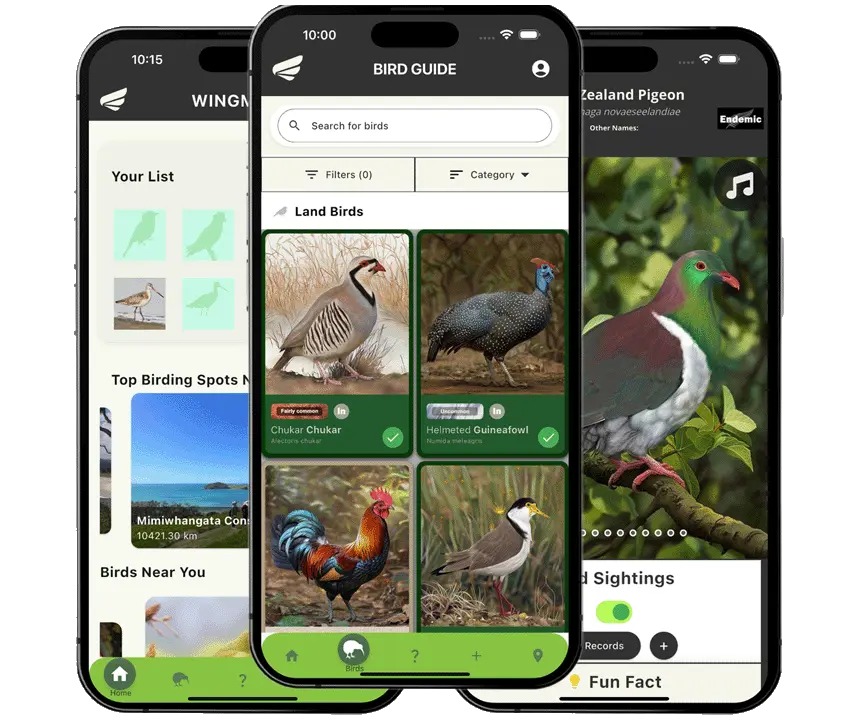
Sound ID and eBird Mobile checklists work without cell service. Life List saves and checklist submission need a connection, and Sound ID recordings aren’t kept unless you save them.
| Activity | Offline capability | What needs attention |
|---|---|---|
| Merlin Sound ID | Works offline once the required content and location are prepared | Verify the ID yourself |
| Merlin personal Life List save | Needs a connection | Save the confirmed bird with the correct date and location when you’re connected |
| eBird Mobile checklist | Works offline with prepared regional packs | Submit when a connection returns |
| Merlin Sound ID recording | Recording and identification work offline | Recordings are not always saved automatically |
You can attach a saved Merlin recording to an active or Not Submitted eBird Mobile checklist while offline. The audio transfers with the checklist when you submit it online. Adding media to an already-submitted checklist requires a connection.
Before a remote outing, prepare the relevant Merlin bird information and eBird Mobile regional bird packs while you have reception.
After Sound ID, save the recording before you start another session or switch tasks. Otherwise you can lose the audio.
Once you have reception, check that the recording appears in your saved recordings and that the eBird checklist shows Submitted. A checklist marked Not Submitted stays on your device, outside the submitted eBird dataset.
Why does Merlin open eBird, and how do you fix a wrong save?
If selecting a bird in Merlin opens an eBird checklist, check your sighting-save preference. Merlin has supported different saving workflows, and your selection decides what happens after you identify a species.
A user on r/MerlinBirdID hit this while using Photo ID for a backyard feeder bird:
After using Merlin just fine for about a year, the bird ID function/flow is changed for me (I did not change any settings etc in the app). I go to merlin > photo id > choose photo > identify > this is my bird > ‘start checklist’ Previously, i would just identify, it would log the bird and location and catalog on my list. Now I only have the option to start a checklist. Which i really don’t want to do just to log a bird that visits my outdoor feeder. Has anyone encountered this before and found a solution. Thanks in advance for any advice.

The original poster later reported success after changing the save preference. Cornell gives the route Settings > How to save your sightings. Menu names can vary by app version, so look for the equivalent setting and choose the destination you want.
Correcting a mistaken Life List entry
You can correct a mistaken identification after saving it. Cornell describes managing these records through the signed-in eBird.org account linked to Merlin.
Find the species and observation date, then use Change Species or checklist deletion as needed. If the same species has several saved observations, correcting or deleting one leaves the others counting toward your Life List.
A Life List accumulates species across observations. To remove a species entirely, correct or delete every saved instance.