Pick an integrated feeder camera if you have no feeder yet and want close-ups on your phone, as long as its recordings, app and cleaning routine work at your site. Pick a separate camera if you already own a suitable feeder or want more control over recording and storage. The deciding test: can you capture and open a real bird visit without unacceptable ongoing cost or risk to wildlife?
A bird can land on your feeder, spend a few seconds picking through the seed and disappear while your camera is still deciding whether anything happened. You may receive a notification with no useful picture, a beautiful image that cannot be downloaded, or an app that opens after the bird has gone.
A camera’s resolution and AI features matter. So do the less glamorous details: how close the bird sits to the lens, how reliably events become saved recordings, whether the feeder can be cleaned, and what happens when a subscription expires.
Should You Buy an All-in-One Bird Feeder Camera or Use a Separate Camera?
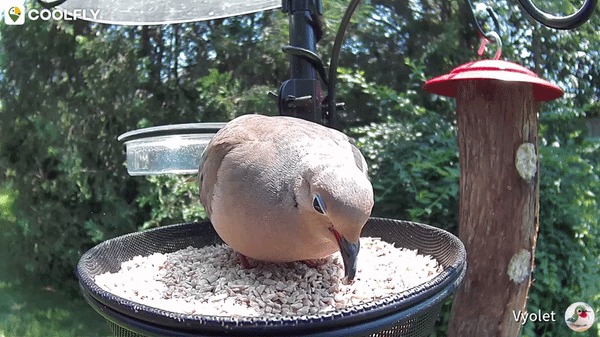
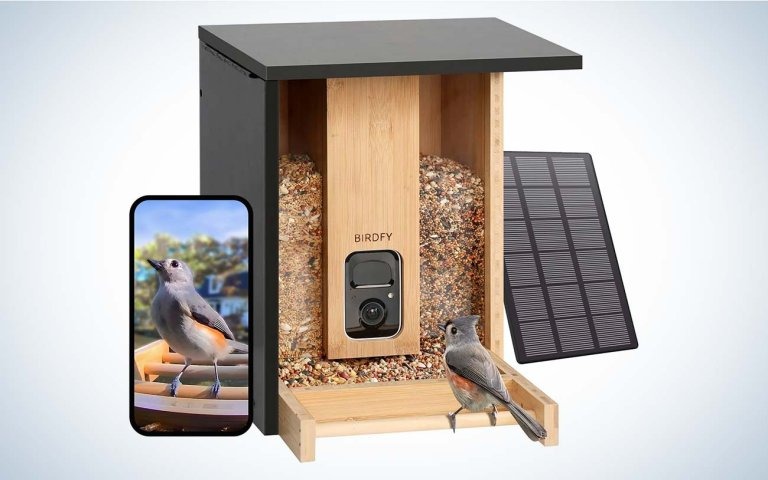
An integrated camera feeder places the lens close to the feeding area. If you have no feeder yet and want photos or short clips in an app, it is the convenient pick: camera angle, perch position and feeding tray are built to work together.
A separate outdoor camera gives an existing feeder a second job. You keep the feeder the birds already use, and you can move the camera or upgrade the recorder on its own. The price is more time spent finding a good angle and mounting distance.
An offline or trail camera fits sites without dependable Wi-Fi, or setups where local recording matters most. It saves footage for later pickup, but you still need to check its focus distance, detection behavior and how well it catches small birds.
| Configuration | Best suited to | Main advantage | Main downside |
|---|---|---|---|
| Integrated camera feeder | Close-up bird visits through a phone app | Lens and perch are designed as a system | Camera, housing, app and plan come as one package |
| Separate outdoor camera | Watching an existing feeder with flexible placement | Camera and feeder can be changed independently | Wide framing or poor near focus costs bird detail |
| Offline or trail camera | Sites without usable Wi-Fi; people comfortable retrieving files | Less dependence on a home network or cloud account | Less convenient remote viewing; recording behavior varies by model |
An outdoor camera built to spot someone crossing a driveway may put a sparrow into a tiny part of the frame. Weather resistance says nothing about whether its lens can focus on a bird at feeding distance.
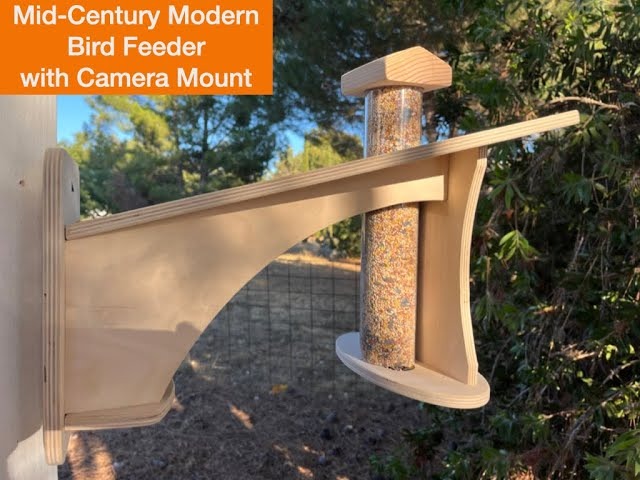
Before you compare models, decide what you want out of the camera: a photo for a bird journal, a short video, a livestream or continuous local footage. Also decide whether you already own a feeder and whether the site has usable Wi-Fi. Each output needs a different setup, and the table rules out the wrong ones.
Will It Capture a Bird or Just Advertise Better Resolution?
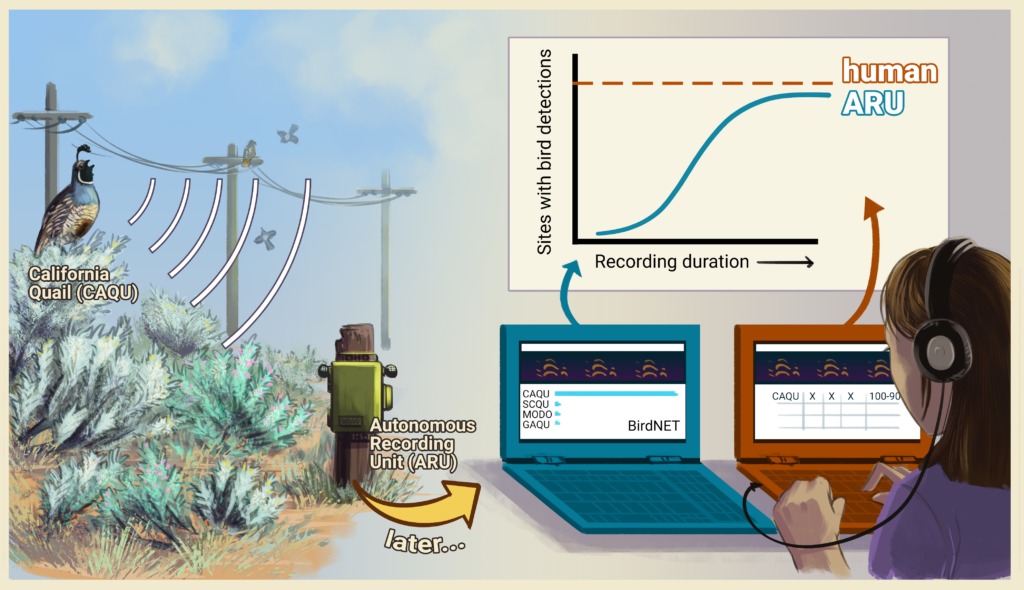
A sharp image of a small bird depends on how much of the frame the bird fills, whether it is in focus and how the camera handles the light. A wide, high-resolution frame can give the bird’s bill, face or wing pattern only a few pixels.
Take a finch on the far side of the feeding tray. If the lens focuses on the tray rim or the exposure washes out the feathers, even a detailed-looking frame hides its field marks. So look at close-focus distance, lens angle, where the bird sits at the perch and the quality of the saved file.
From a bird visit to a usable recording
A connected camera has to get through five steps:
- Detect: a movement or event trigger fires when something moves near the feeder.
- Capture: the camera records an image or clip while the bird is still there.
- Process: software can filter images, suggest a species or pick particular moments.
- Retain: the recording lands in local or cloud storage.
- Deliver: the app shows the result, and you can download or export it when the service allows.
Birdbuddy says its software screens images for focus, uniqueness and whether a bird is recognizable, so some captured sessions never reach you as a postcard. Other camera systems handle events differently.
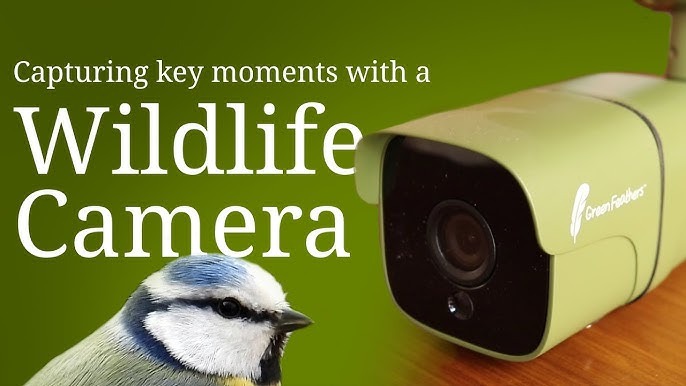
When a connected camera misses visits
A camera can look online and still miss visits, which is maddening. One owner described a replacement camera that produced plenty of events on some days but stopped recording after the morning on others:
I hate to be the zillionth post of this sort so far, but it seems like the server stuff has been resolved yet I’m still having problems. My old camera stopped being able to connect to the server full stop so they sent me a new replacement, which works fine only every other day. Some days I’ll have 100+ moments, other days it stops after the morning. I won’t be able to connect to the live stream even though it doesn’t say it’s offline. I feel like I can’t go more than 24 hours without having to reboot it. Internet connection is good, on the correct 2.4 gHz, and my app is up to date. Is anyone else still having issues??
The post describes inconsistent recording and livestream access on a device that appeared connected. The cause is unknown.
You might see a bird but find no saved event, a blurred clip, or an event the app won’t open.
Before buying, watch sample footage recorded at the actual feeding distance. Small birds in motion should still show feather detail, and the file you can download should hold up.
Can the Camera Stay Connected and Powered at Your Feeder?
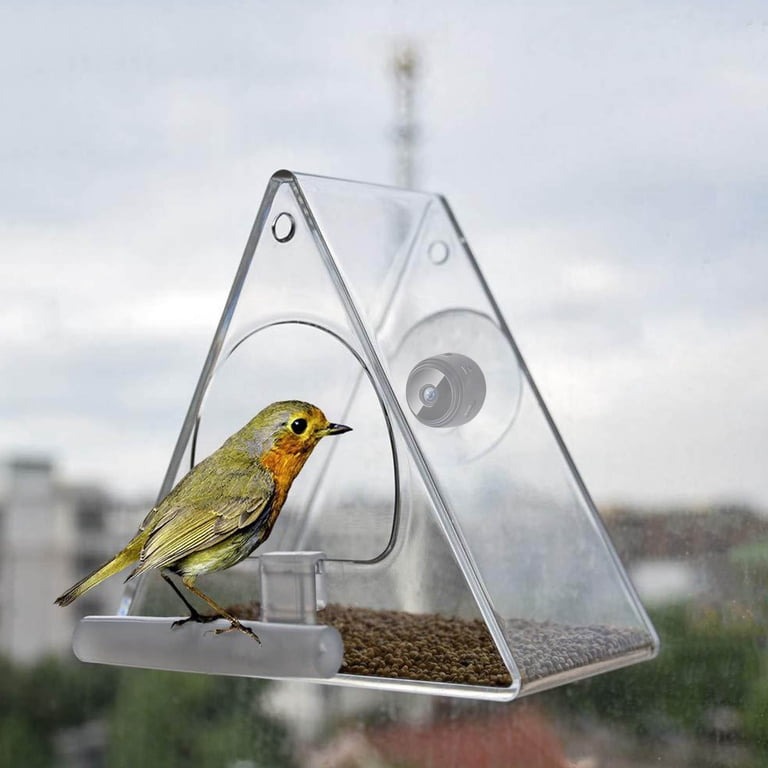
A camera that pairs beside your router can struggle at the fence or tree where you want to use it. The connection that counts is the one at the mounting site.
Birdbuddy’s documentation says some Pro camera modules use 2.4 GHz Wi-Fi, while Birdbuddy 2 hardware supports both 2.4 and 5 GHz bands. Compatibility depends on the camera module and its documented network requirements.
Try the intended installation point
- Match network requirements: confirm the model’s Wi-Fi bands and security compatibility.
- Test on location: power the camera where it will be mounted, open the livestream, and try again at another time to see whether the connection holds.
- Plan charging: consider shade, seasonal daylight and access to the battery or charging port.
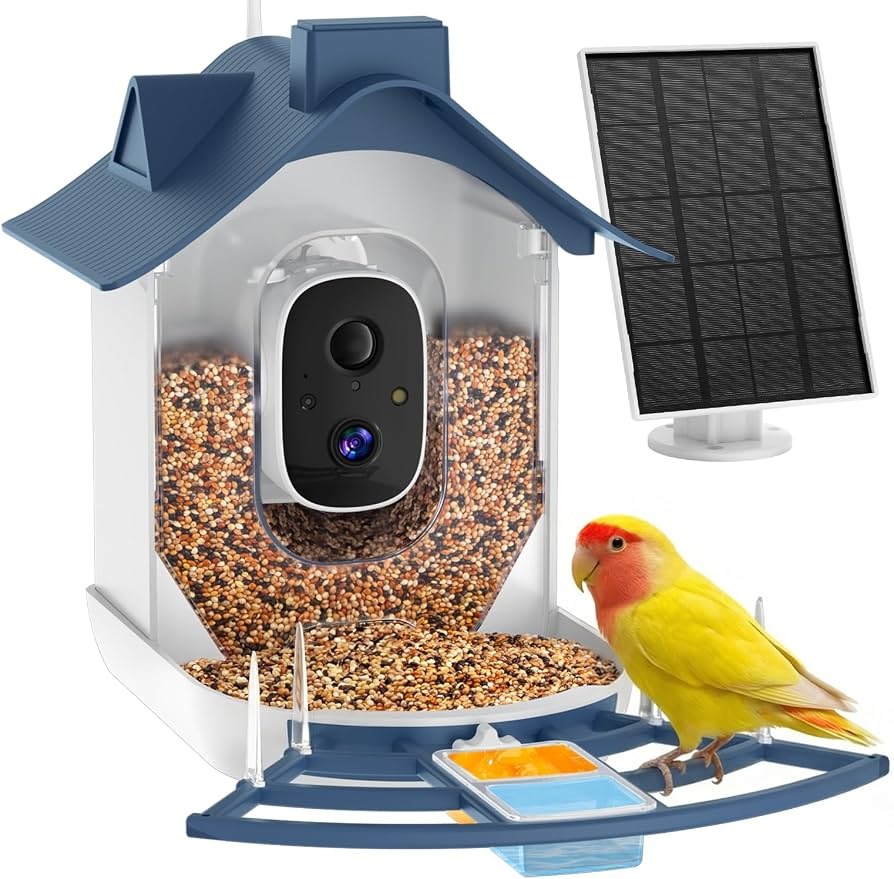
A solar panel cuts manual charging when it gets enough useful light. Heavy use, shade and shorter days change how often you need to charge. A safe site with occasional charging beats a hazardous feeding position picked for sunlight.
What Will It Record for Free, and What Will You Keep Paying For?
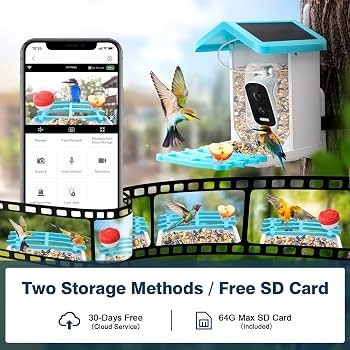
A free livestream may come with limits on saved events, cloud retention, AI labels or file exports. Compare what your model and account plan include.
Local storage keeps clips independent of a cloud account. A camera may use a memory card, a vendor-run cloud service, or both, with features split by plan. That decides how much control you have over recordings you want to keep.
Birdfy’s Feeder 2 series documentation describes cloud-only storage. If you need direct local microSD recording, rule that series out unless the model’s documented storage options change.
Compare individual features
| Function | Check for your model | Why it matters |
|---|---|---|
| Live view | Available on the intended account plan? | Lets you watch a visit in progress |
| Saved events | Which recordings are retained? | Allows later review of a missed notification |
| Local storage | Supported, and in which mode? | Determines dependence on cloud access |
| Cloud retention | How long are clips available? | Determines when you must retrieve files |
| AI species labels | Included, limited or paid? | Affects convenience in reviewing visits |
| Download and export | Can original photos or clips be saved? | Determines whether recordings can leave the app |
For a personal bird journal, an exported clear photograph can be worth more than a premium identification label. If you enjoy automatic sorting, a different plan may suit you better.
Compare the total cost
Total cost over 12 or 24 months = hardware + mounting and power accessories + subscription payments for that period + expected replacement items. Use annual billing where it is documented and applies, and run the sum once for each model on your shortlist.
Is the Feeder Safe to Leave Out and Easy Enough to Clean?
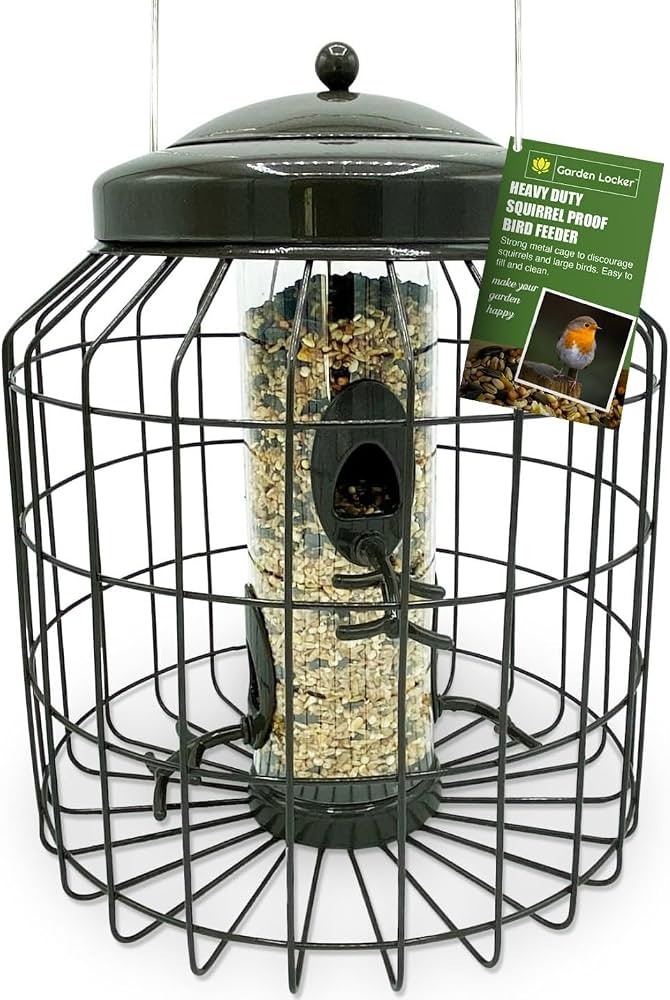
Food-contact surfaces, drainage and the feeder’s position near windows matter to birds, whatever footage you get.
Some camera feeders let the tray and perches separate from the electronics, while others make seed debris hard to reach. Removable food-contact parts let you clean and dry the feeder without soaking the camera.
Keep the feeding surfaces clean
Cornell FeederWatch recommends cleaning seed and suet feeders about every one to two weeks, and more often in wet weather or heavy use. Remove old seed and debris, wash the food-contact parts, follow an appropriate disinfection procedure, rinse thoroughly and let everything dry before refilling. Cornell’s feeder-cleaning guidance explains the process.
Hummingbird feeders need a different routine. Cornell FeederWatch advises cleaning them every couple of days, ideally whenever you replace the nectar, and more often in hot weather or heavy use. Discard cloudy or moldy nectar immediately. Cornell’s cleaning instructions for different feeder types distinguish seed trays from nectar reservoirs.
If a visibly sick bird appears, clean and disinfect the affected feeder surfaces and remove spilled seed or debris nearby. Cornell’s sick-bird guidance recommends taking affected feeders down for a couple of weeks. In neighborhoods with many other feeding stations, removal may concentrate birds at the feeders that remain. For more on feeder surfaces, droppings and cleaning intervals, see how to clean bird feeders without spreading disease.
In a 2026 captive study of house finches and Mycoplasma gallisepticum, cleaning reduced transmission from contaminated feeder surfaces under the tested conditions. In a second experiment, cleaning high-use feeder surfaces every other day did not reduce transmission rate or disease progression when infected and susceptible birds were housed together.
Treat hazardous glass
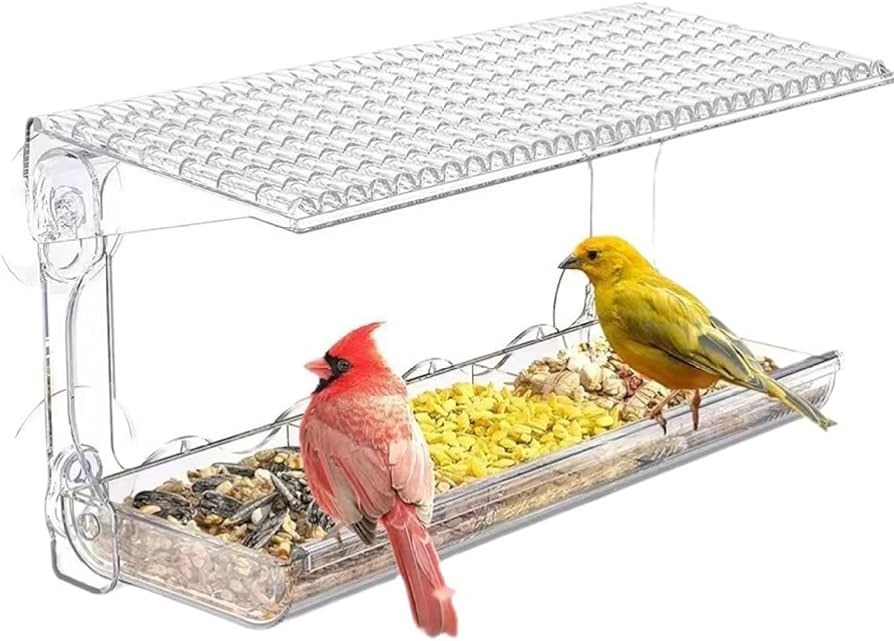
Transparent or reflective windows can injure visiting birds. The American Bird Conservancy cautions against treating any fixed distance from untreated glass as universally safe; its window-collision guidance explains the risk.
Make hazardous glass visible to birds with exterior dots, tape or similar patterns spaced no more than 2 inches apart. Exterior screens are another option, described in Cornell FeederWatch’s safe-feeding guidance. Consider cats and other predators when you choose the feeder’s position.
Check drainage, disassembly and the planned spot before you mount the camera feeder. A great angle does not help if the food goes damp or birds meet untreated glass.
How Much Should You Trust AI Bird IDs and Camera Sharing?
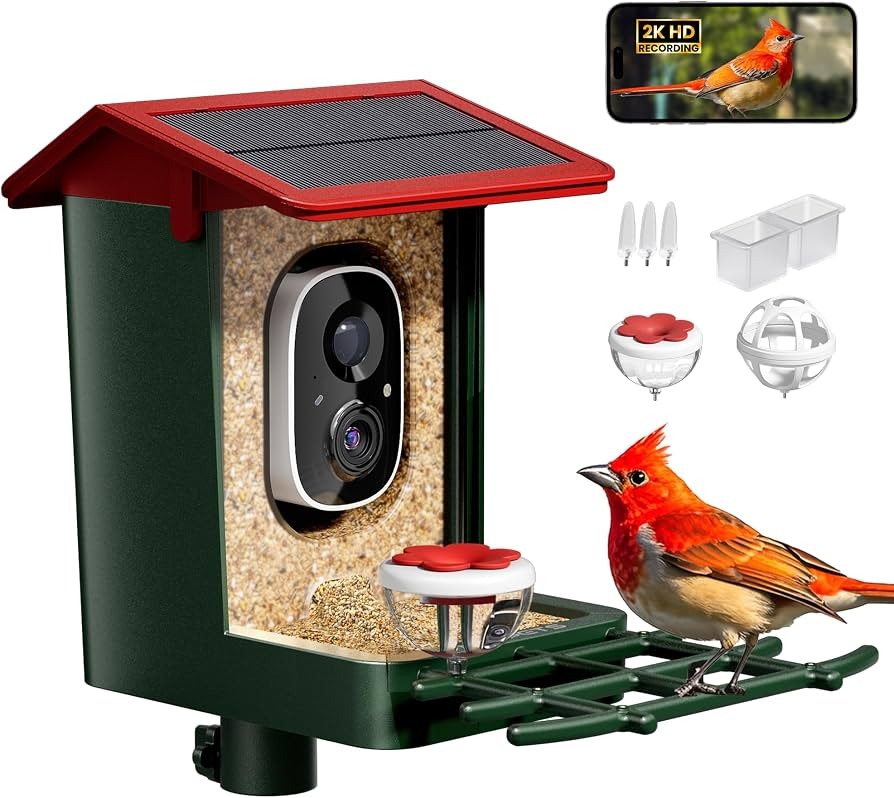
An automatic species suggestion helps, especially when the camera catches a visitor you did not see. Difficult angles, poor light and look-alike species mean you should check the ID yourself.
A 2026 educational study used Birdbuddy-generated species identifications and added independent checks and discussion of AI errors. It covered classroom verification of species labels and did not measure product-wide accuracy.
For a noteworthy identification, compare the visible field marks, bill and body shape with a regional guide, then factor in location and season. If the recording lacks the features to settle it, leave the ID open. The checks for bill shape, plumage, and habitat appear in how shape, color, behavior, and habitat identify a bird.
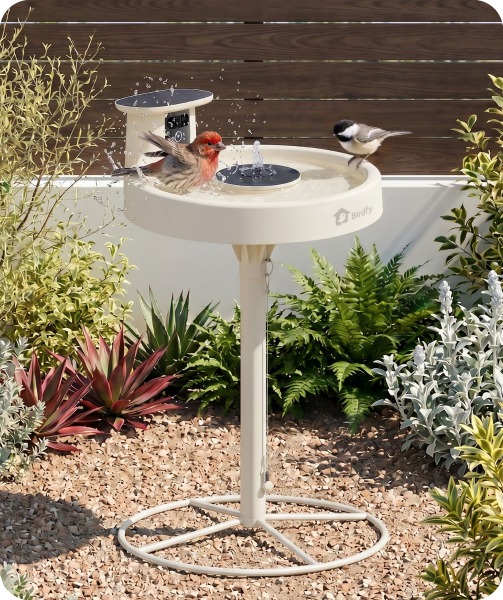
Connected bird cameras can record people who pass through the frame, especially near shared paths or a neighbor’s property. The camera’s direction, sharing settings and the vendor’s privacy policy decide what gets captured or shared.
The FTC’s general connected-camera guidance recommends software updates, strong credentials and multifactor authentication where supported. That is ordinary security practice for any feeder camera. Review the camera’s field of view, account permissions and sharing controls before you let anyone else see its footage.
What Breaks Later, and Can You Replace Just That Part?
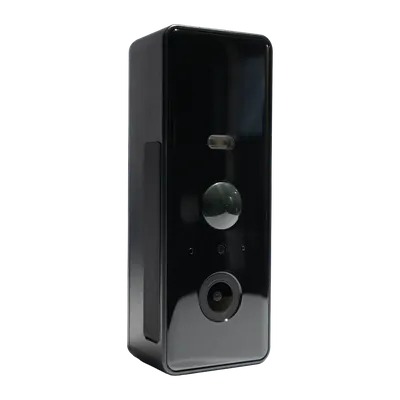
The camera module, feeder body, seed tray, mounting bracket, charging cable and solar panel wear out at different rates, so a damaged food tray can leave a working camera stranded if no compatible part exists. Before checkout, confirm which replacement parts fit your hardware generation, what the seller’s written warranty and return terms say, and whether you can export recordings if you stop using the app.
The Final Test: Can You Save a Real Bird Visit at Your Chosen Spot?
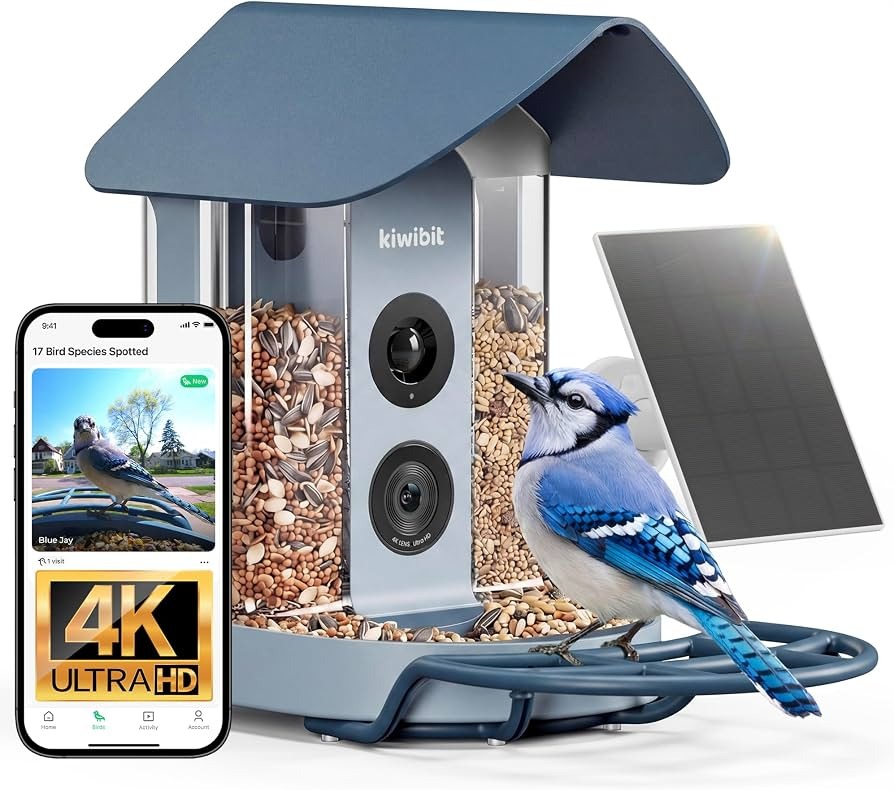
Run this test at your chosen spot, using the output you picked earlier, such as a short clip for a personal bird journal. Watch an ordinary visit from a distance, without approaching a nest or disturbing feeding birds, and follow that visit through the app.
| Test stage | What counts as an observed result | Record |
|---|---|---|
| Bird visits | You directly see a bird using the feeder | Yes / No / Not tested |
| Capture triggers | A corresponding event appears in the camera system | Yes / No / Not tested |
| Recording is retained | A photo or video from that visit is available | Yes / No / Not tested |
| Recording is useful | The bird is visible with enough detail for your purpose | Yes / No / Not tested |
| File is accessible | You can open and export the recording when required | Yes / No / Not tested |
If a chickadee used the tray and no event appeared, look at detection. If the event exists but will not open, look at retrieval or app access. A blurry recording may need a different focus distance or camera angle that still keeps the feeder safely placed.
If the system keeps missing the job you bought it for, check whether its documented settings, compatible parts or support options fix the problem. If they do not, you need a different recording arrangement.
Run this test before you mount anything permanently.